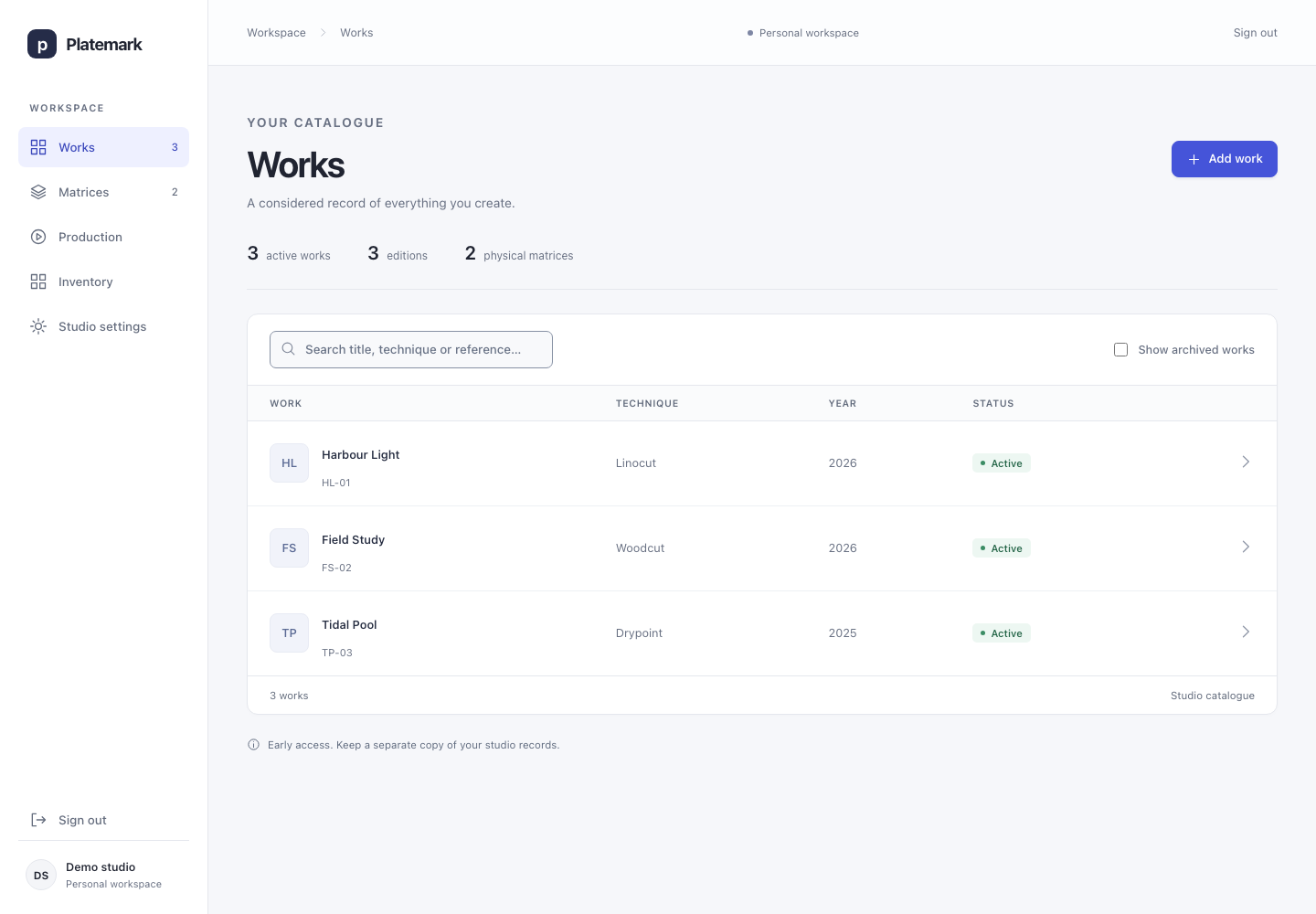
A work is the artwork or design you want to catalogue. Add its title, technique, year, dimensions and your own reference, then keep its images, notes, editions and printing history together.
Record image and sheet dimensions separately.
Attach a private JPEG or PNG and keep the original file.
Find works by title, technique or reference; archive older work without losing its history.
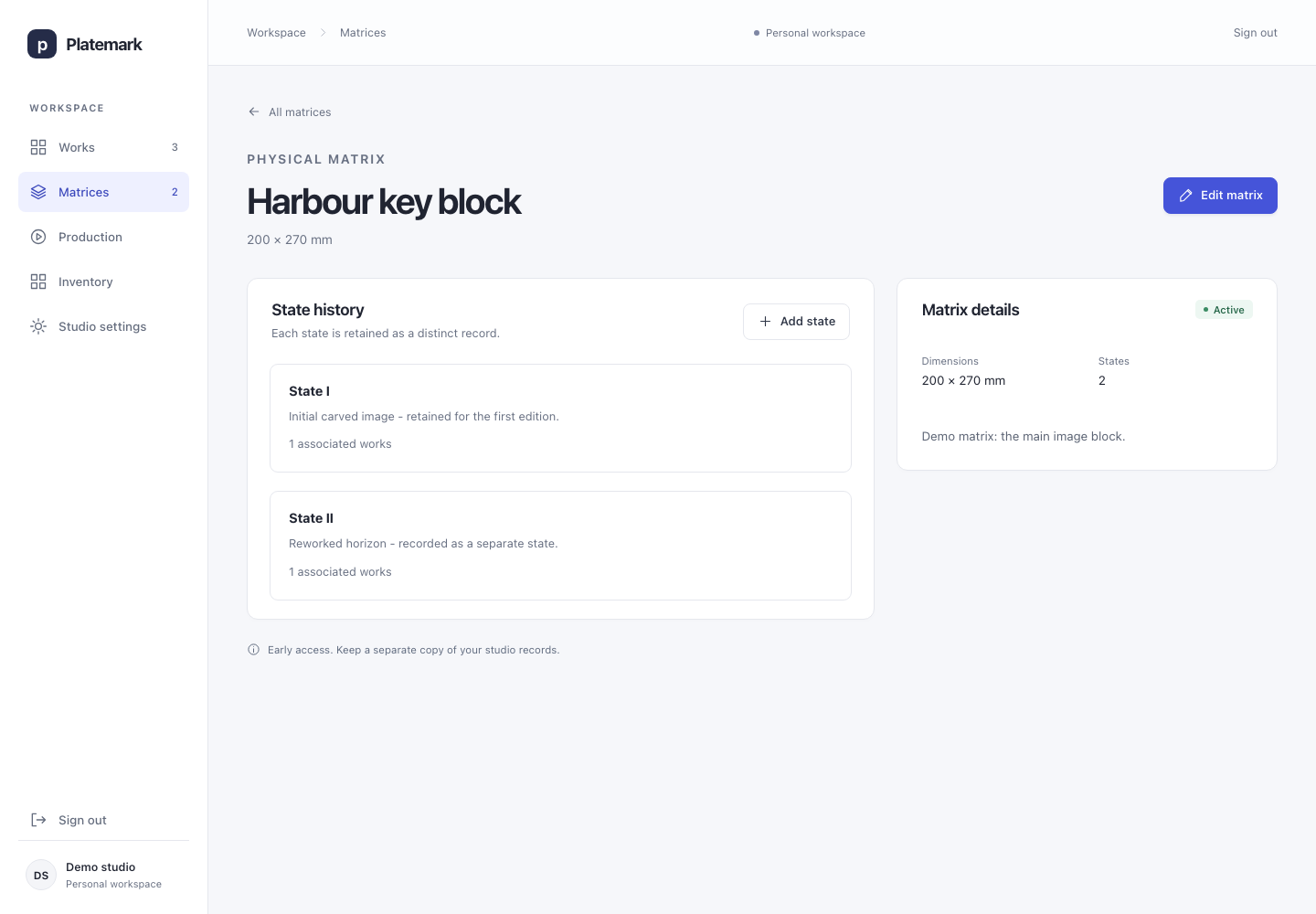
A matrix is the surface that holds the image you print from: a lino or wood block, an etched plate, a lithographic stone or a screen. One work can use several matrices - for example, a different block for each colour.
Record each physical matrix and its dimensions.
Add a new state when you rework its image, keeping the earlier state in the record.
Connect the right states to each work and edition, including related works that share a matrix.
Matrices in Platemark · fictional demo records
03Editions
Set out the edition before you print.
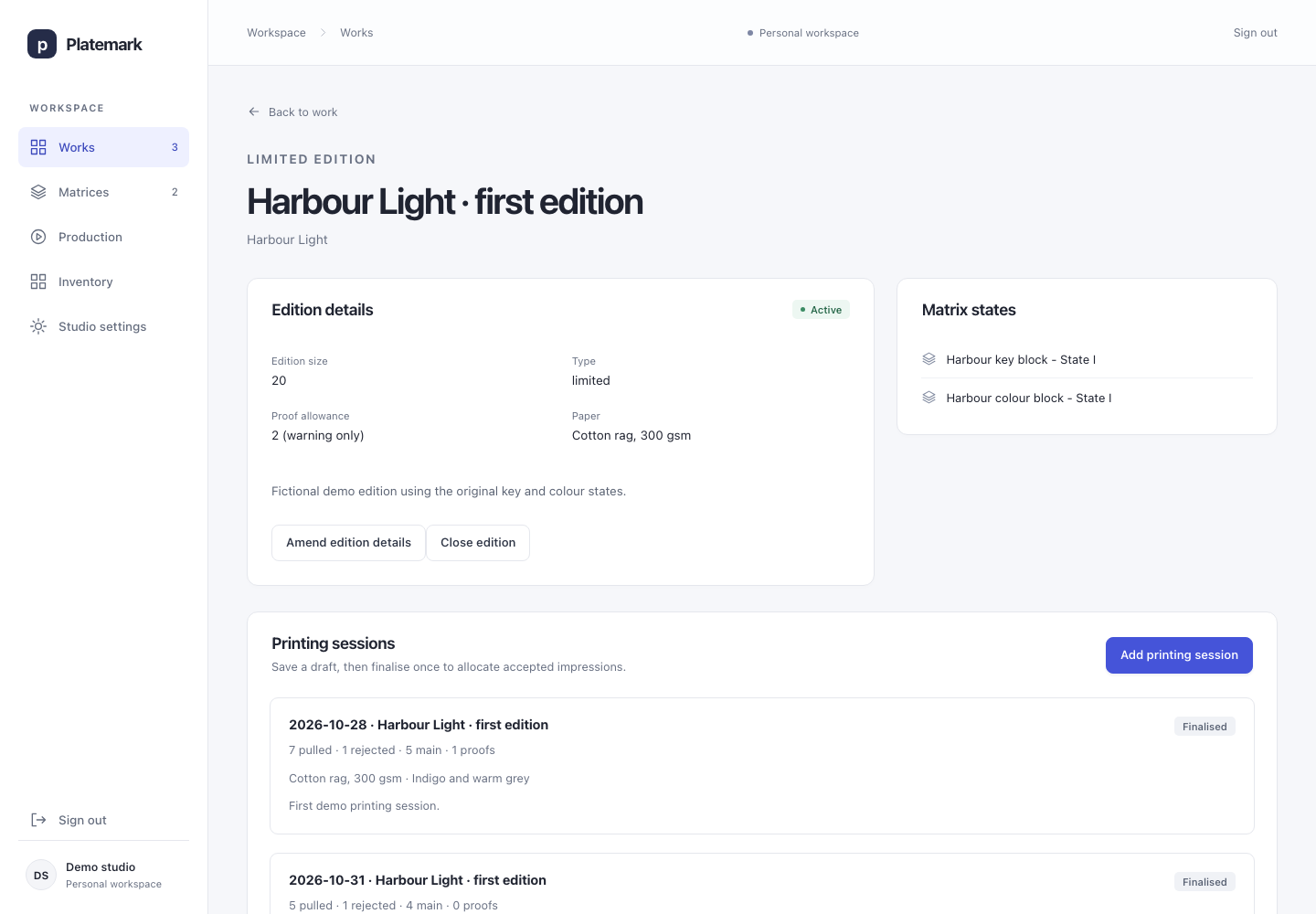
An edition is a group of prints made as a defined set. It belongs to a work and records which matrix states it uses, along with its size, paper and notes.
Limited editions have a fixed main size, such as 20.
Open editions have no fixed main size and display no public number.
Variable editions use numbered impressions with variation notes recorded during printing.
Artist’s proofs have their own sequence, such as A.P. 2, separate from the main 2/20.
Editions in Platemark · fictional demo records
04Production
Make each printing session add up.
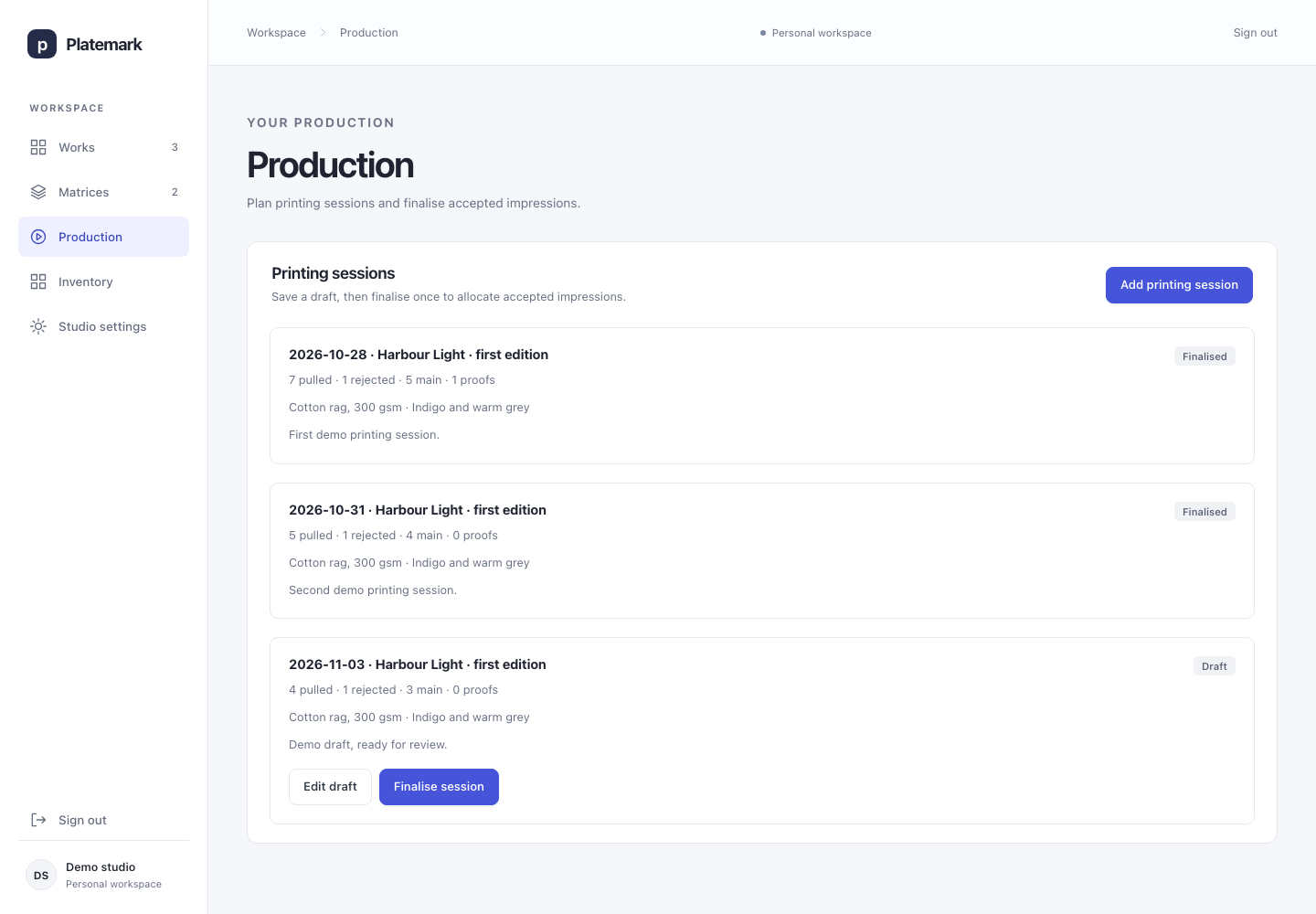
A printing session records a batch of printing: the date, paper, ink and how many prints were pulled. Separate rejected prints from the main impressions and artist’s proofs you accept.
Save an editable draft while you are working.
Check that pulled prints equal rejected prints plus accepted main prints and proofs.
Finalise once to create the accepted impressions and allocate their numbers. Rejected prints use no numbers.
Continue an edition over several sessions, with a lasting record of where each print came from.
Production in Platemark · fictional demo records
05Inventory
Know which print is where.
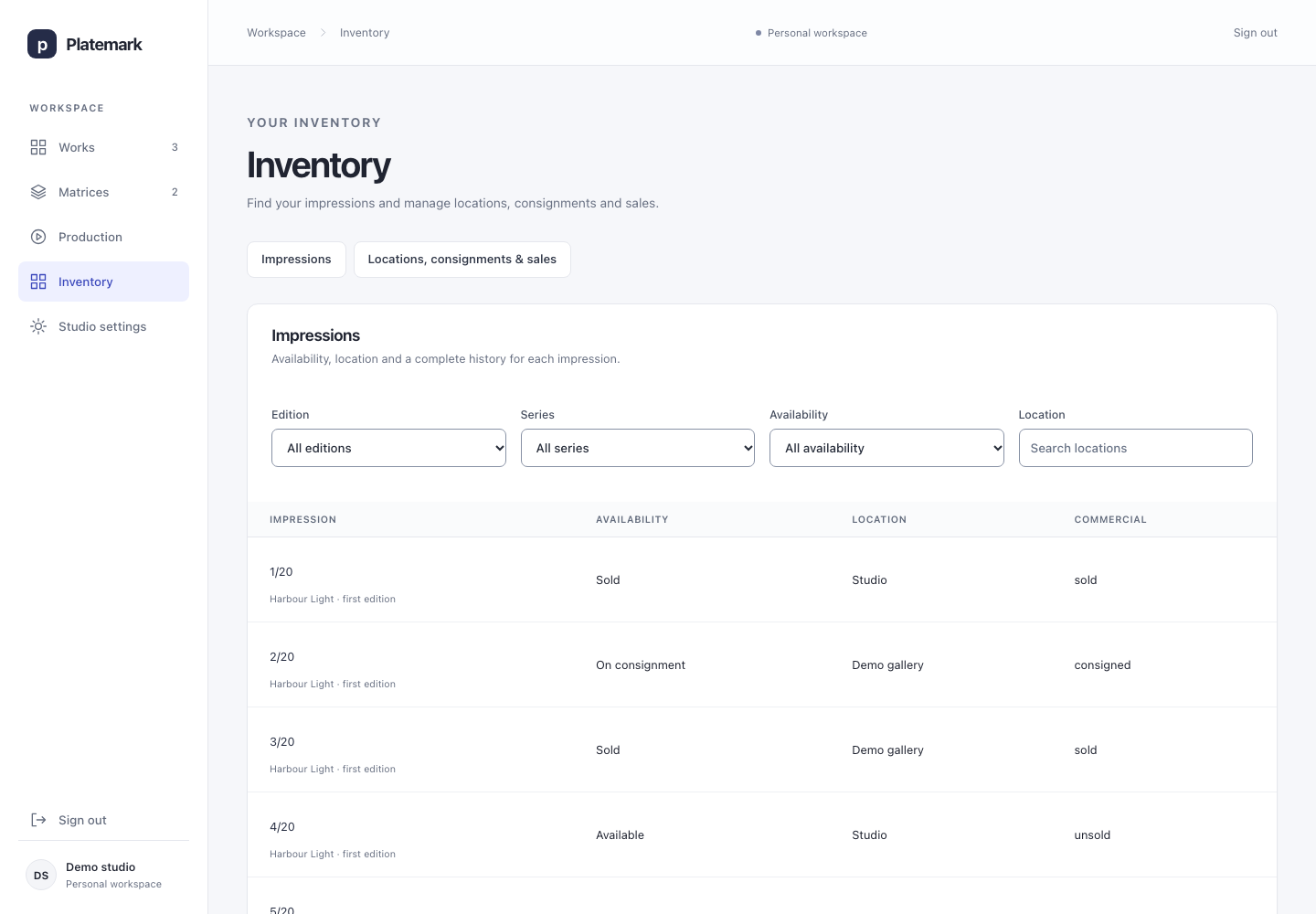
An impression is one individual physical print - for example, 7/20. Inventory follows each impression after printing, so you can see its availability, location and history.
Filter by edition, main/proof series, availability or location.
Keep sold prints out of available stock, while retaining their history.
Record movements and corrections with a traceable sequence of events.
Keep a sale separate from physical handover: a sold print can still be in your studio awaiting collection.
Inventory in Platemark · fictional demo records
06Consignments & sales
Follow the print beyond the studio.
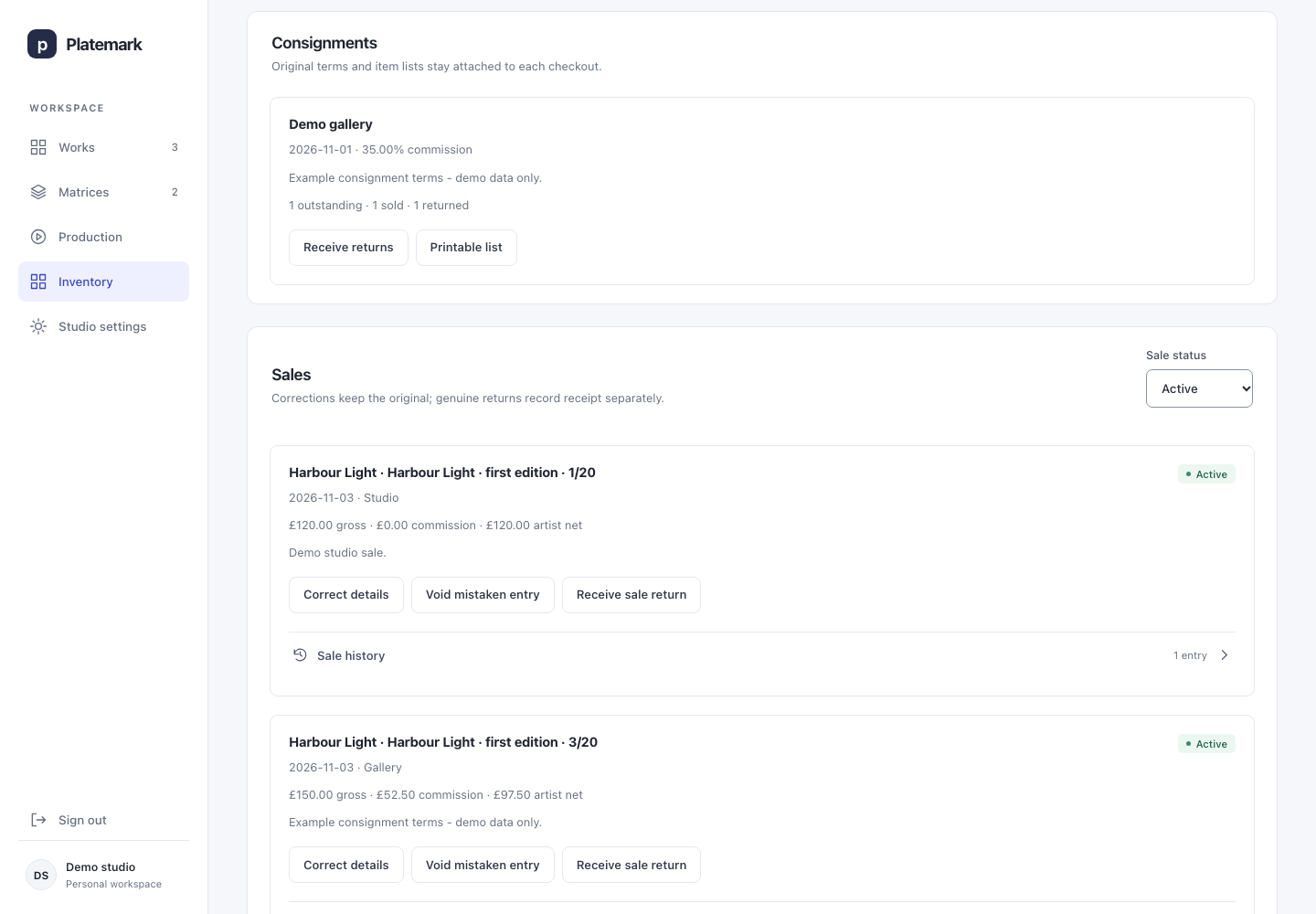
A consignment is a group of prints sent to a gallery or fair to offer for sale. Record what you sent, the agreed terms and commission, then reconcile what is still there, sold or returned.
Move or consign a selection of prints together and print a consignment list.
Receive part of a consignment back while keeping the rest outstanding.
Record sales in GBP, with optional buyer details and the commission agreed for that consignment.
Keep original sale records when correcting a mistake or receiving a genuine return.
See current active-sale gross, commission and artist-net totals.
Consignments & sales in Platemark · fictional demo records
07 · Studio settings & exports
Keep your records useful outside the app.
Set your studio display name, sign out, and download your records when you need them.
Spreadsheet-friendly CSVs
Download tables of works, editions, printing sessions, impressions, consignments and sales to open in a spreadsheet.
A structured JSON export
Keep a connected data file containing your catalogue, relationships and event histories. JSON is a format software can read and work with.
Original image files
The export includes a list of your image files and private download paths. Download originals separately and keep them with your data export.
A clear view of your practice
From the first record to the next print.
Platemark is currently an invite-only preview. Studio access requires an authorised sign-in.